✦
Less blank-page work
Start with generated drafts instead of asking your team to manually map every feature, workflow, and setup step.
Hyperdocs helps SaaS teams generate structured documentation drafts from GitHub, so you can move from an undocumented product to review-ready product docs without starting from a blank page.
The first version of product documentation is often the hardest to create. Your product already exists in code, routes, components, workflows, API behavior, and internal implementation decisions. Hyperdocs helps turn that product context into structured documentation drafts your team can refine.
Start with generated drafts instead of asking your team to manually map every feature, workflow, and setup step.
Create documentation from the product implementation, not from scattered notes, memory, or outdated onboarding docs.
Generated docs remain editable drafts, so your product and support teams can improve tone, structure, and accuracy before publishing.
Code to Docs is designed for teams that already have a working product but do not have the documentation system to match it.
Choose the GitHub repo you want Hyperdocs to understand.
Hyperdocs creates structured drafts based on product behavior, code structure, and implementation context.
Your team improves the generated pages, organizes them, and publishes only when ready.
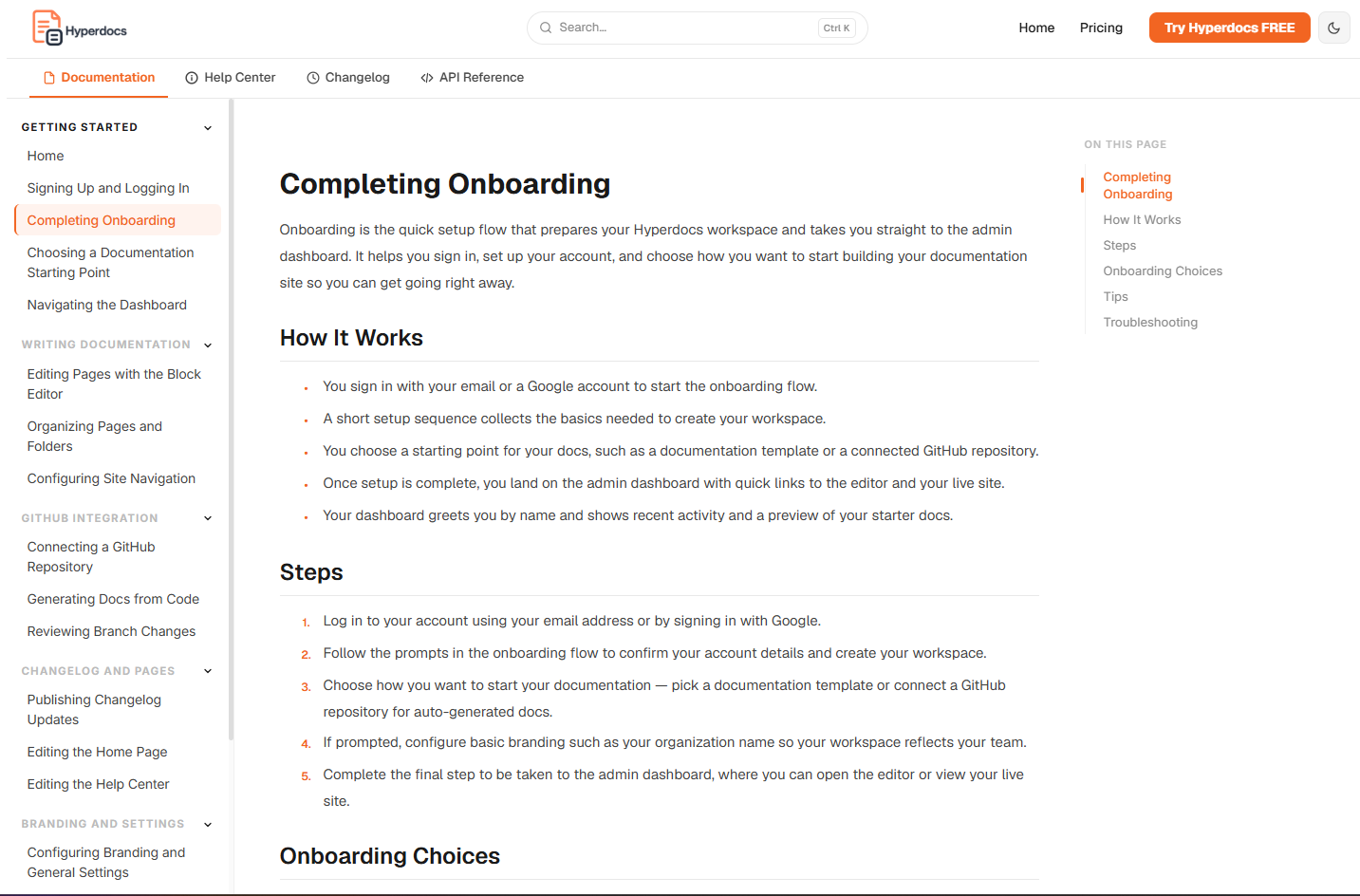
Hyperdocs is not limited to one page type. It helps your team build the documentation structure needed for users, support teams, and product-led onboarding.
Explain what your product does, how key areas work, and where users should begin.
Turn product flows into practical first-run guides for new users and customer teams.
Document important product areas with clearer structure, steps, and user-facing explanations.
Convert common product workflows into support-ready pages users can search and understand.
Draft implementation notes, configuration steps, and developer-facing guidance where relevant.
Organize generated drafts into categories, navigation, and documentation sections before publishing.
Code generation is only useful when the output can be reviewed, improved, organized, published, and maintained. Hyperdocs gives your team that workflow from the first draft onward.
Hyperdocs creates drafts, not uncontrolled public pages. Your team stays in the loop, decides what is accurate, edits the language, and approves content before it reaches users.
Code to Docs helps engineering provide product context while giving product, support, and customer-facing teams a practical workspace to shape documentation.
Launch with credible product documentation instead of leaving docs until after customers ask for them.
Turn shipped product behavior into clear user-facing documentation that supports onboarding and adoption.
Give documentation teams better starting context without manually writing every page from scratch.
Create reusable help content from real product workflows and reduce repeated explanations over time.
Code to Docs gives you the first structured version of your documentation. From there, Hyperdocs helps you publish, customize, migrate, and maintain your public-facing docs as your product grows.
Turn generated drafts into public product docs with clean navigation and structure.
Use GitHub Sync to detect future product changes and draft documentation updates.
Use custom domain and brand settings to make documentation feel like part of your product.
Code to Docs is a Hyperdocs feature that helps generate structured documentation drafts from your GitHub repository. Your team can then review, edit, organize, and publish those drafts.
No. Hyperdocs creates drafts and suggestions. Your team stays in control of review, editing, approval, and publishing.
No. Code to Docs is designed for teams starting from scratch, as well as teams that want a stronger first draft before building out their public documentation.
Yes. Hyperdocs is designed so product, support, marketing, customer success, and documentation teams can improve generated drafts without managing docs directly inside a code repository.
No. Hyperdocs is focused on public-facing SaaS documentation such as product docs, help center content, API docs, changelogs, and customer-facing guides.
AI tools can generate text. Hyperdocs adds the documentation workflow around that output: structured drafts, review, publishing, hosted docs, future updates, and a workspace for teams to maintain documentation over time.
Start with structured documentation drafts, review them with your team, and publish public-facing docs without beginning from a blank page.